
HIPAA-compliant online booking for clinics
Workee is HIPAA and PCI compliant. A compliant platform is half of it; the other half is how you set it up. This guide covers what to collect at booking, and what to keep elsewhere.
Get a Demo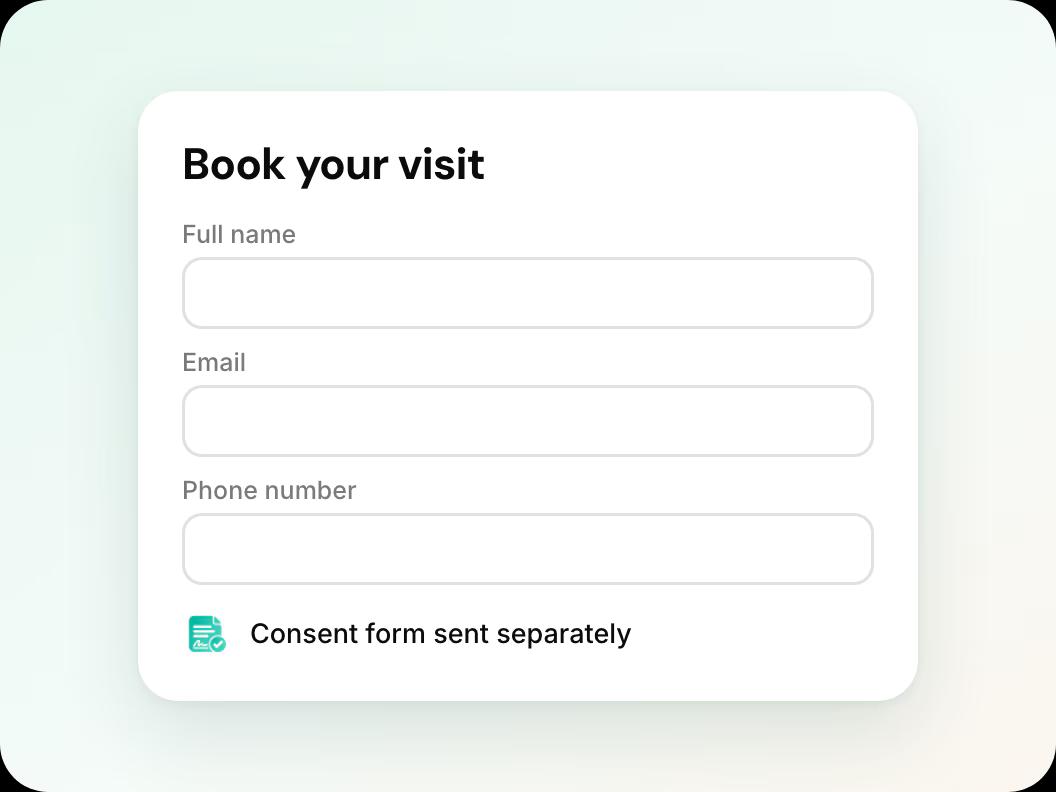
In short: Workee is HIPAA and PCI compliant from booking to payment. To keep online booking compliant, collect only what you need to schedule (name, phone, email, service), send intake and consent forms through a link to your own form tool, keep charts and clinical notes in your EMR, take card payments through Stripe or PayPal, and give each team member only the access they need.
Updated
Before you start

Know what is clinical
Medical history, charts, face maps and treatment notes belong in your EMR or charting system. Workee does not keep clinical records.

Your intake and consent forms
Have the link to the forms you already use. Workee sends the link; the answers stay in your form tool.

Your own compliance review
This guide is practical set-up advice, not legal advice. Your privacy officer or adviser decides what your practice needs.
Step by step in Workee
In this guide
 Step 1
Keep the booking form to scheduling details
Ask for name, phone, email and the service. Do not ask clients to describe symptoms or medical history in the booking form; that belongs in your intake form.
- Step 2
Send consent forms by link
Turn on Send a consent form, paste the full https:// link to your form and choose which services it applies to. Workee emails the link when a client makes their first booking with you.
 Step 3
Take payments through Stripe or PayPal
Card details are entered on the Stripe or PayPal checkout, not typed into notes or messages. Workee is PCI compliant from booking to payment.
 Step 4
Give staff only the access they need
Add providers with their own accounts. Provider accounts can be set up without access to payment options.
 Step 5
Record marketing consent separately
Appointment messages and marketing are different. Workee shows on each client profile whether they agreed to marketing, so campaigns go only to clients who did.
If your practice needs a Business Associate Agreement, raise it on your demo call so we can go through it with you.
Related guides and pages
How to send consent forms automatically
Email your form link on a client’s first booking.
Add a booking widget to your website
Online booking on your own site, no client account.
Client records and consent forms
History, consent status and marketing consent per client.
Deposits, no-show fees and payments
Everything Workee does with money, on one page.
Workee for med spas
Booking, deposits and follow-up built for med spas.
Best med spa software
Seven platforms compared on what each vendor publishes.
Common questions
- Is Workee HIPAA compliant?
 Yes. Workee is HIPAA and PCI compliant from booking to payment.
- Does Workee store medical records or charts?No. Workee handles booking, payments, reminders and follow-up. Charts, consent records and prescribing stay in your EMR or charting system.
- Can I collect intake forms through Workee?Workee emails a link to your own intake or consent form when a client first books, for the services you choose. The form itself and its answers stay in the tool you use for forms.
- Does Workee sign a BAA?Ask us on a demo call and we will go through what your practice needs.

