
Your Instagram, booking clients while you work
Jenny answers every DM, replies to every comment and keeps your feed posting, in your style. You only tap approve.
 5 years in business
- 300+ beauty and dental businesses
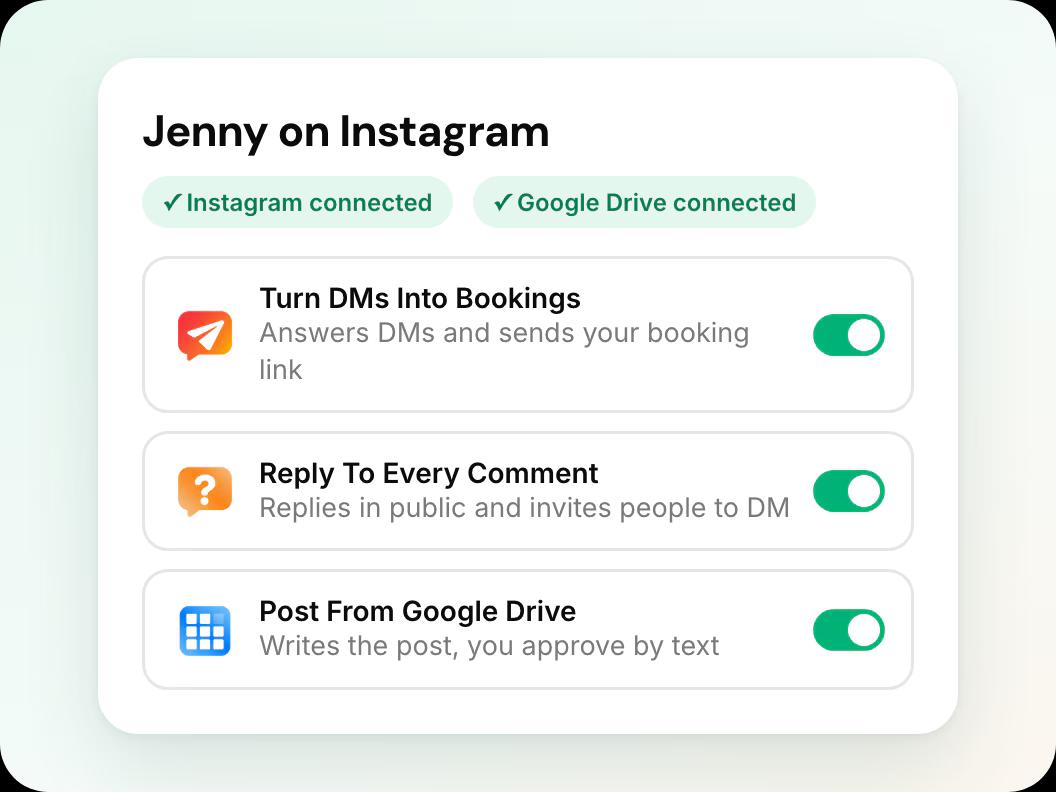
In short: Jenny for Instagram is Workee’s AI marketing employee for clinic Instagram accounts, launching in November 2026. She answers every DM, gets the person’s name and email, asks your qualifying questions and sends your booking link. She replies to comments in public and invites people to DM. She posts from your Google Drive folder in your own style, with a Story and Reel for each post. You approve by text or pick Autopilot, and you can stop anytime.
Updated
Where clinics lose bookings on Instagram

DMs wait for hours
Someone asks about lip filler at 11 PM. By the morning they have booked with whoever answered first.

“How much?” gets no reply
Price and booking questions pile up under your posts. Nobody answers, and the person moves on.

The feed goes quiet
Posting takes hours, so it happens when someone remembers. Weeks go by with nothing new.
Three automations, one place
Each one turns on and off with one click and keeps its settings when stopped.
Turn DMs into bookings
Jenny replies to every DM in seconds, gets name and email, asks your qualifying questions and sends your booking link. Leads booked at 11 PM on a Sunday, saved in Clients.
Reply to every comment
She answers price, booking and FAQ comments in public and invites people to DM. Complaints come to you, spam gets hidden.
Post for you
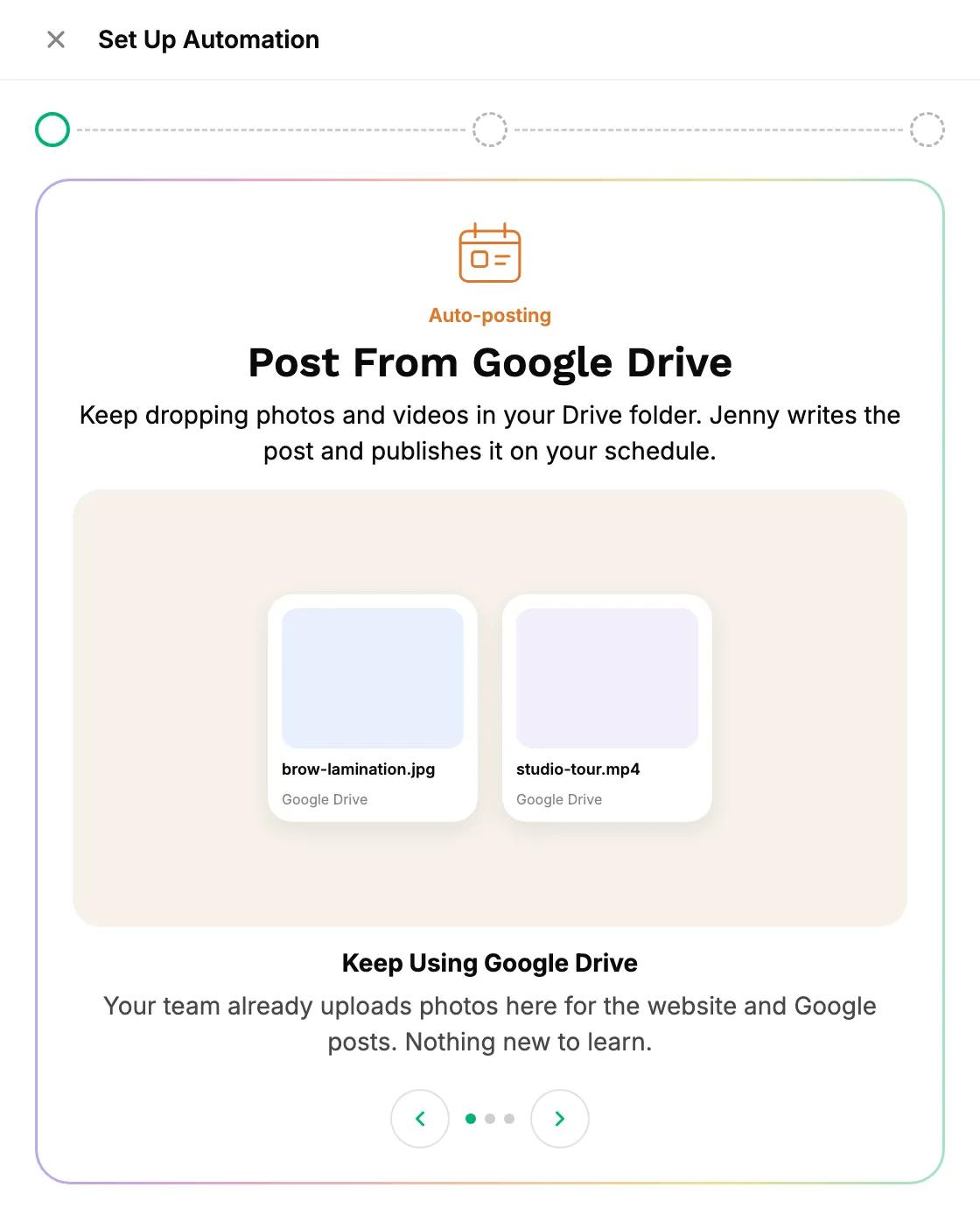
Drop photos in your Google Drive folder. Jenny writes the caption, hashtags and alt text, makes a Story and a Reel, and posts on your schedule.
How it works in three steps
In this guide
 Step 1
Connect Instagram in 2 minutes
Connect your clinic’s Instagram business account to Workee. Facebook can be added for posting.
 Step 2
Jenny learns your style
She studies your last 30 posts: colors, layouts, caption voice, language and what performed best. Then she shows you 3 sample posts before anything goes live.
 Step 3
Pick what she handles, approve by text
Turn on DMs, comments, posting or all three. Approve each post from an SMS, or pick Autopilot.
Posts that look like your feed
Jenny studies your last 30 posts
When Instagram connects, she learns your colors, layouts, caption voice, language and best performers, so new posts look like they belong on your feed.
 Your language and tone in every caption
- Prices and services only from your service list
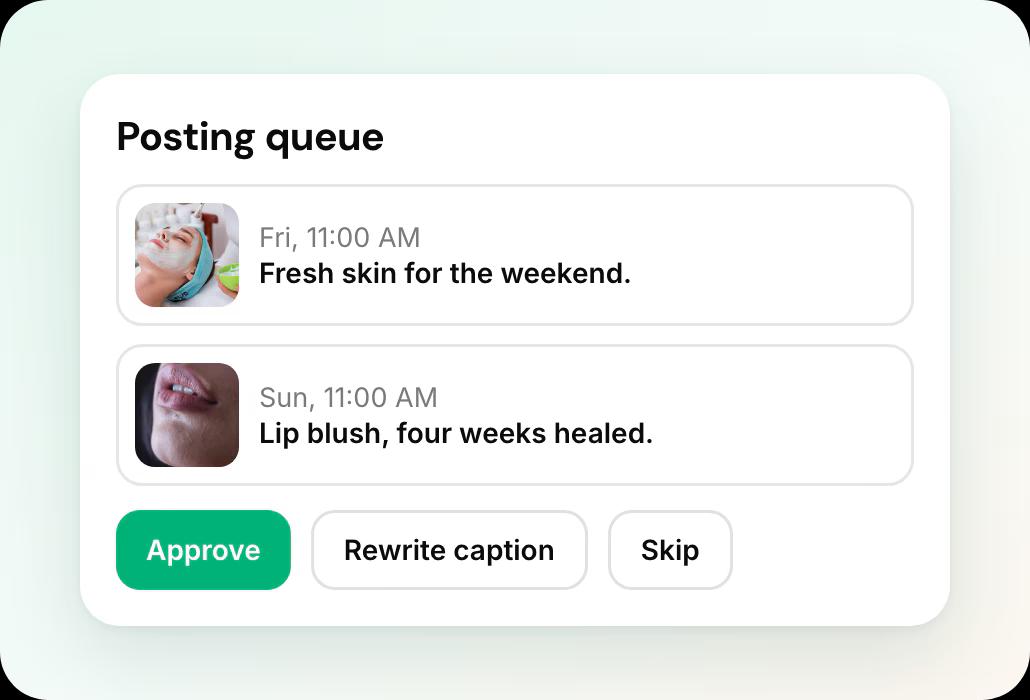
3 sample posts before anything goes live
Jenny shows you three complete posts in your style first. No surprises on day one.
- Approve each post by text, or pick Autopilot
- Stop anytime; your settings are kept
Jenny’s Instagram rules you can count on

She only replies
Jenny never sends the first DM. She answers people who wrote to you, inside Instagram’s 24-hour window after their last message.

Sensitive goes to a person
Medical questions, complaints and “can I talk to someone” come to you by SMS, and Jenny pauses in that thread.

Stop anytime
Each automation turns on and off with one click and keeps its settings when stopped.
See what Jenny did and earned

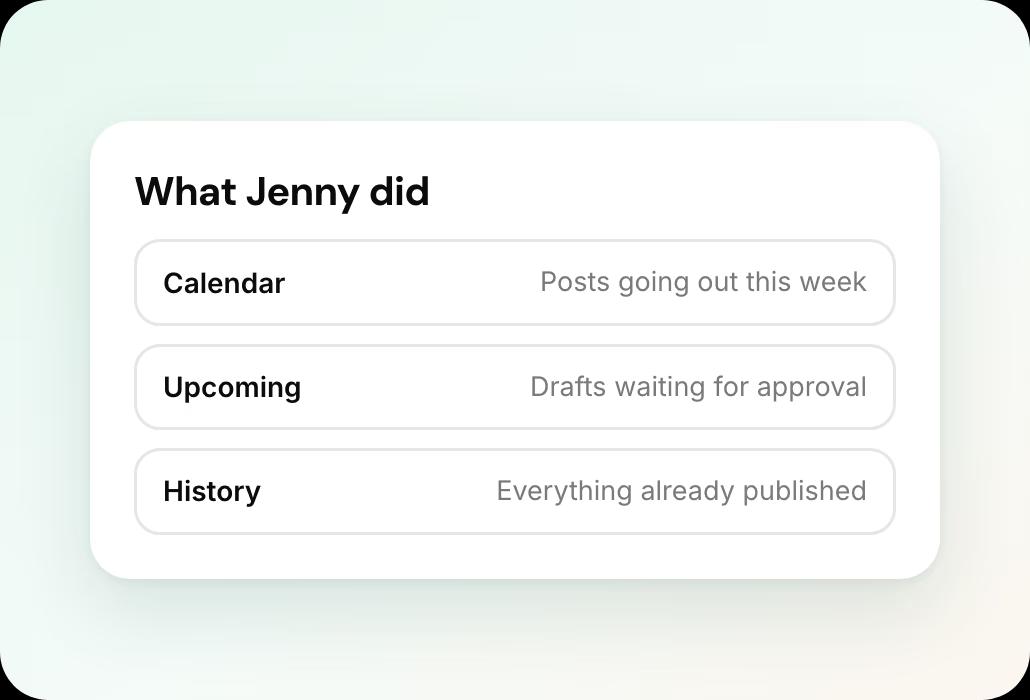
Calendar, Upcoming and History
A month calendar with drag and drop, an approval queue, and results for each post: likes, reach, clicks and bookings.

Leads and Conversations
Every DM and comment thread with the lead card. Take over any thread yourself.
Instagram and Facebook
Post to your Facebook Page from the same set. Two channels, one approval.
One place for every post
See what is scheduled, approve drafts and check what has gone out.
Jenny on Instagram and related pages
Instagram DMs to bookings
Every DM answered, qualified and sent your booking link.
Instagram comment replies
Turn “how much?” comments into DMs and bookings.
Instagram posting on autopilot
A full feed every week from the photos you already take.
Workee for med spas
Booking, deposits, reminders and Jenny for aesthetic clinics.
Jenny on your website
The AI front desk that confirms, rebooks and wins back clients.
Compare Workee
Workee next to Vagaro, Zenoti, Boulevard and more.
Jenny for Instagram: common questions
- Will Jenny send DMs to people who never messaged us?
 No. Jenny only replies. She answers people who wrote to you, inside Instagram’s 24-hour window after their last message. Instagram does not allow businesses to start DMs.
- What happens with medical questions or complaints?They go to a person. Medical questions, complaints and “can I talk to someone” come to you by SMS, and Jenny pauses in that thread.
- Do I have to approve every post?You choose. Approve each post from a text message, or pick Autopilot. Graphics made by Jenny always need your approval.
- Which channels does it work with?Instagram and Facebook at launch. Posts go to your Instagram and your Facebook Page from the same set.
- Can I stop it?Yes, anytime. Each automation turns off with one click and keeps its settings, so you can turn it back on later.

