
Get paid for the time you hold for each client
Deposits at booking
 Require a deposit when a client books a filler appointment
- Take a security deposit on higher-value treatments
- Show your cancellation policy before the client pays
- Or let clients book now and pay later
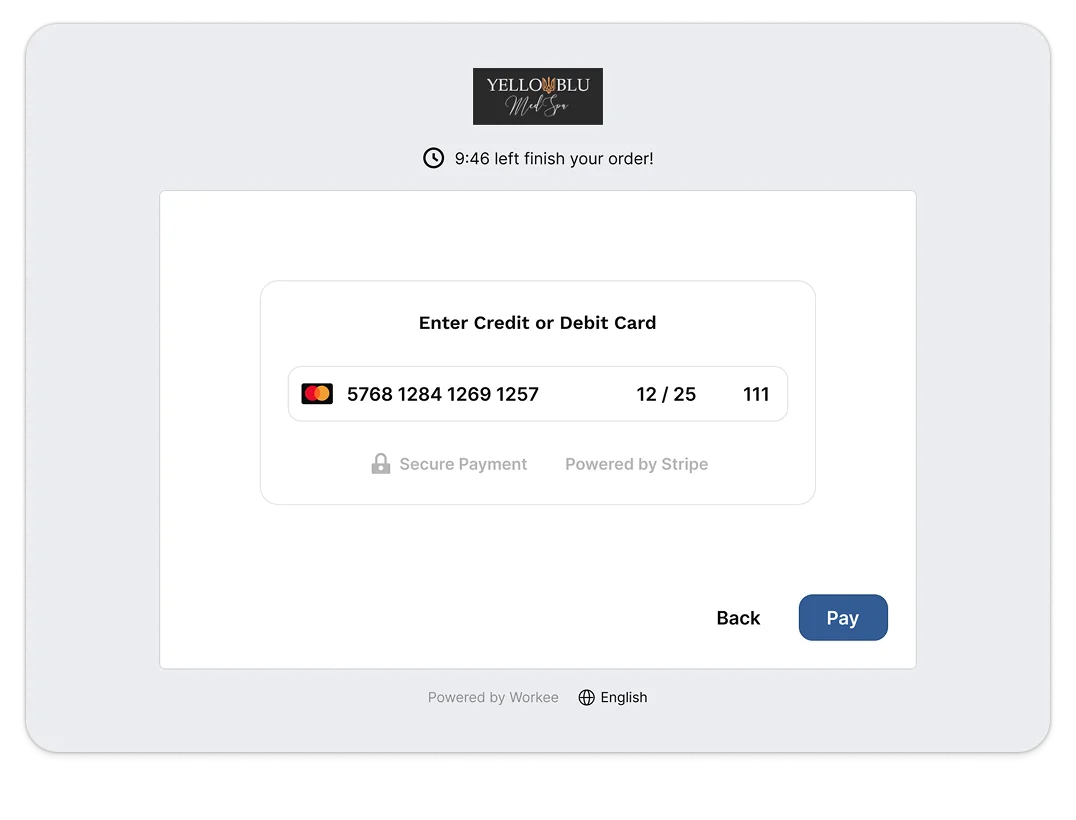
No-show fees and cards on file
- Save a card on file when the client books
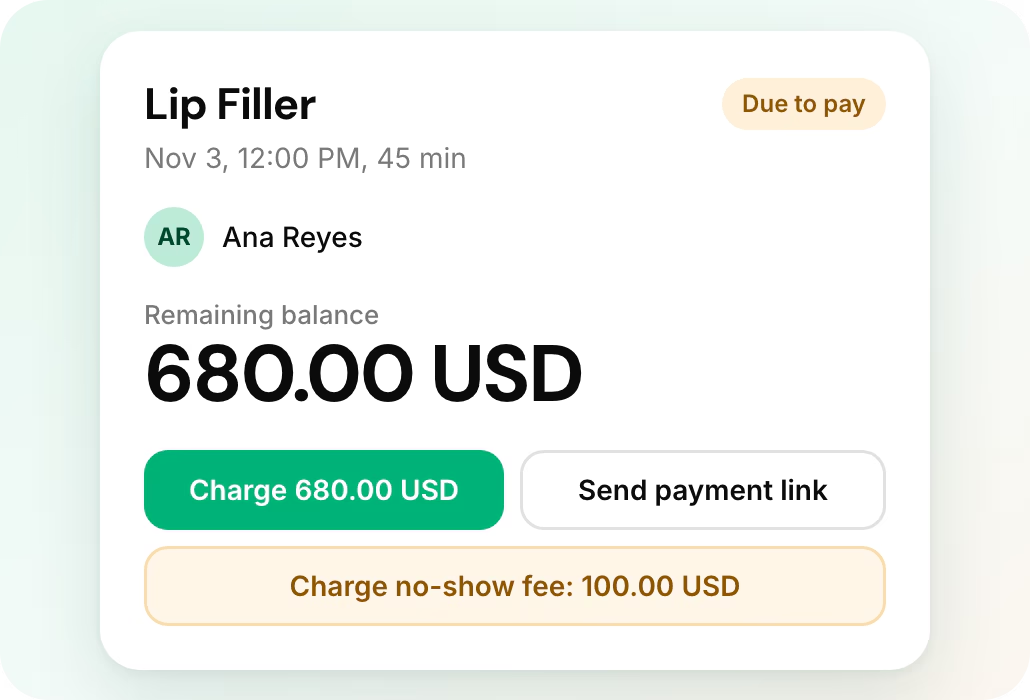
- Charge a no-show fee when a Saturday filler slot sits empty
- Charge the saved card later for the balance
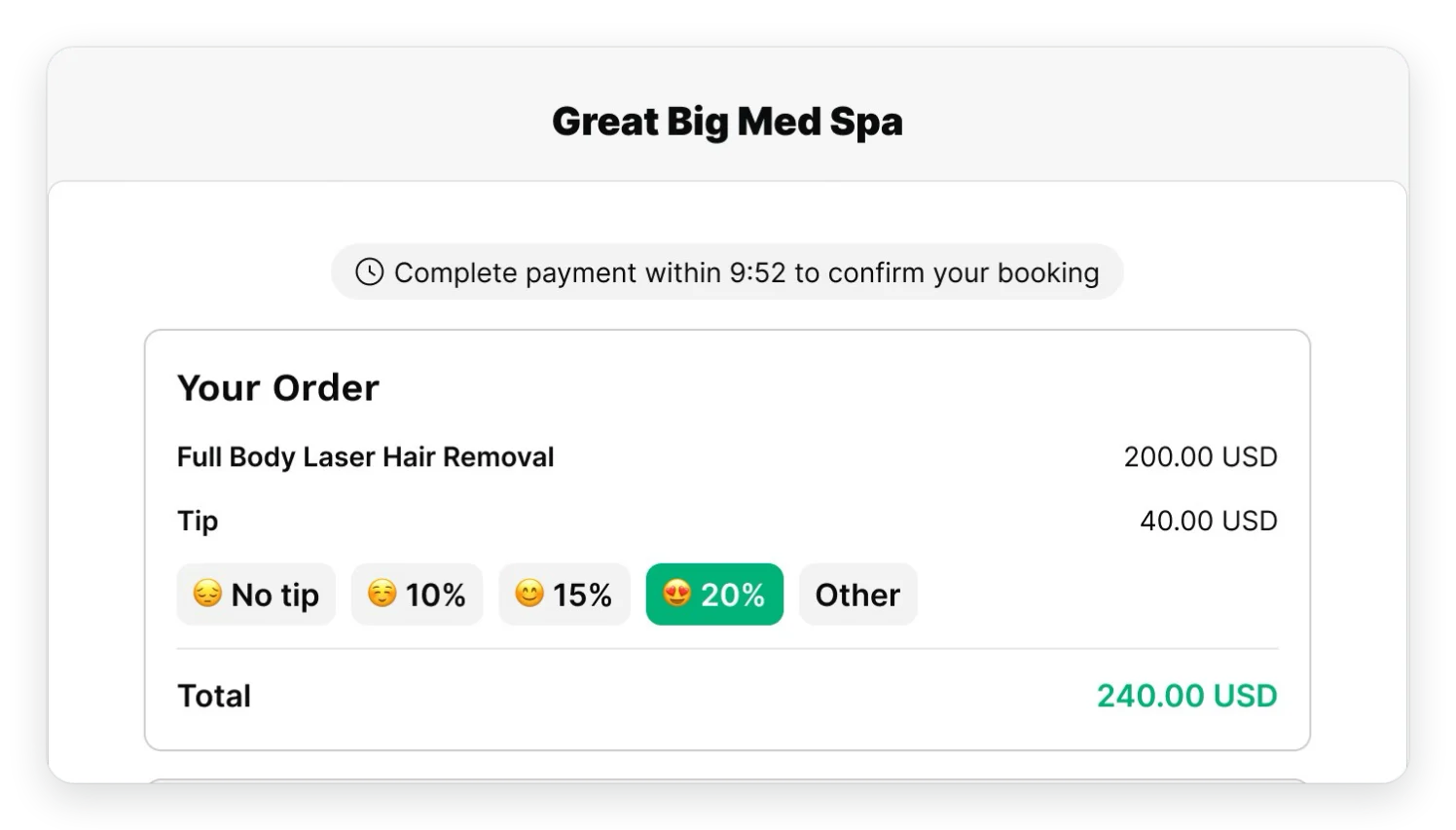
Stripe and PayPal checkout
- Clients pay by card through Stripe or with PayPal
- Send a payment link by email for any open balance
- Collect tips with a default amount and apply discounts
- HIPAA and PCI compliant from booking to payment
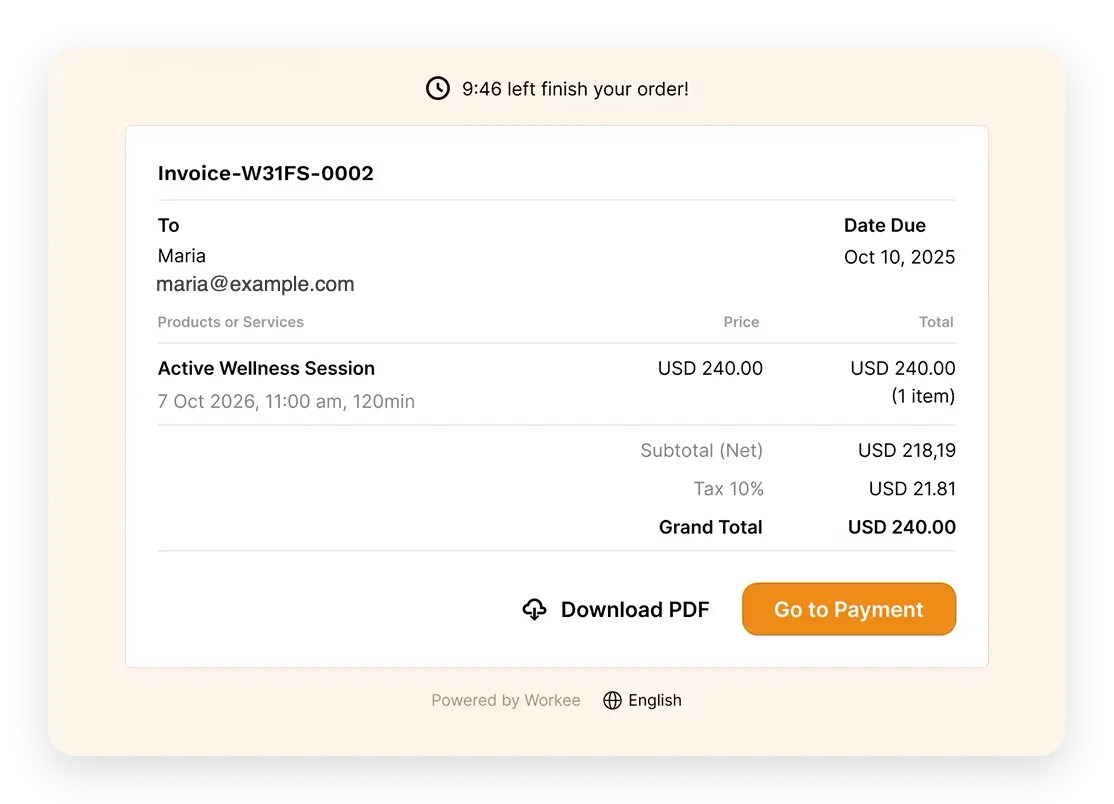
Invoices and refunds
- Invoices and paid invoices appear in the client portal
- Issue full or partial refunds when plans change
- Mark a visit as paid when the client pays at the desk
Every payment on one Finance page
- Invoices, payments, refunds and tips in one list
- Search the list to find any payment in seconds
- Provider accounts hide payment options from staff who should not see them
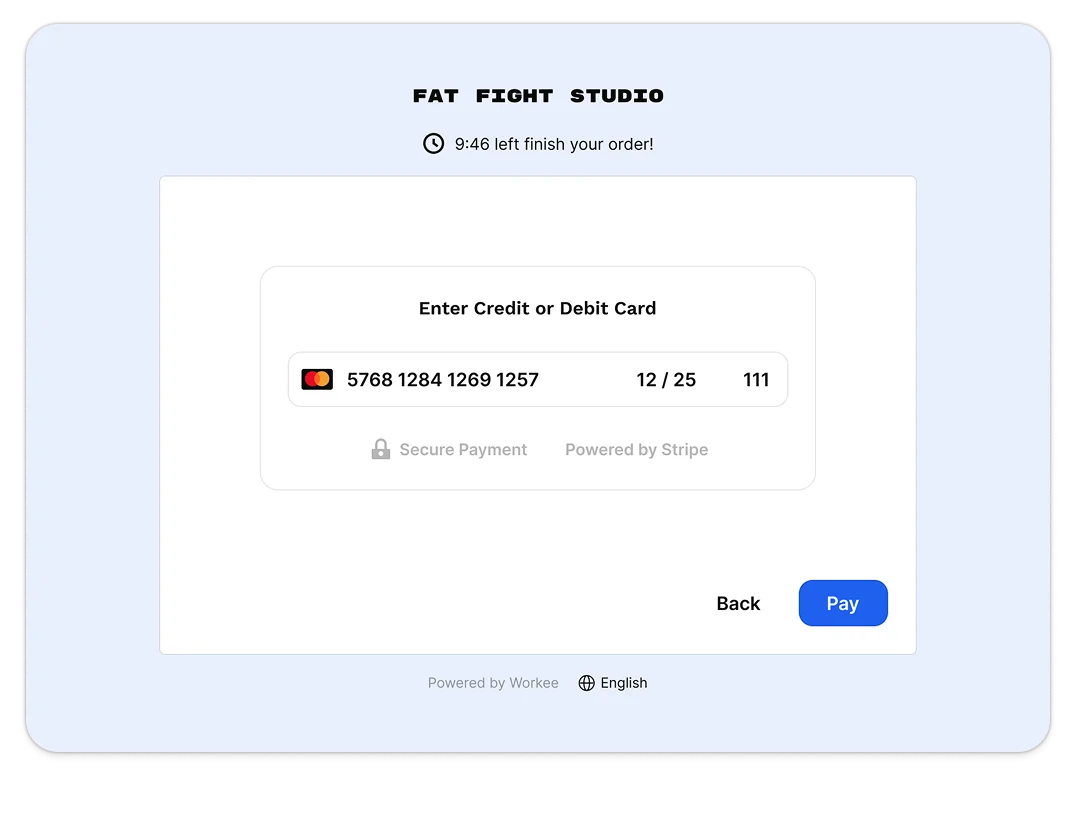
Workee handles deposits, no-show fees and payments for med spas, injectables clinics, plastic surgery practices, dental clinics, estheticians, massage studios and wellness and weight-loss clinics. Take a deposit or save a card on file when a client books, charge a no-show fee when a slot sits empty, and send payment links by email for any balance. Clients pay through Stripe or PayPal, and invoices, refunds and tips sit together on your Finance page.
Payments are available on Workee Pro and Workee Business, with no Workee transaction fees; Stripe and PayPal charge their usual processing fees.
Workee is HIPAA and PCI compliant. Get a demo to see payments set up for your clinic.


Start free, or get a quote for your clinic.
- Booking on your own website, no client account
- Deposits, no-show fees and cards on file on Pro and Business
- Paid plans quoted per clinic, no contracts
Or start on the free Starter plan (no client payments)
Integrations
Take card payments through Stripe or PayPal, add a Zoom link to virtual consults, and put booking on your WordPress, Wix, Squarespace or Webflow site. Bring your client list over from a spreadsheet or a Zenoti export, or run Workee alongside Vagaro.
See integrations





 Get a Demo
Free Starter plan without client payments. Pro and Business quoted per clinic, no contracts.

Startup Wise Guys portfolio company

Lighthouse Ventures portfolio company

Winner of the government startup competition

Finalist Lviv IT Arena Startup Competition 2021
