

Introducing Smarter Payments, Lead Forms, and Campaigns
💼 Introducing Our September 2026 Product Update
Running your business should not require separate tools for getting paid, collecting inquiries, and communicating with clients.
Our latest Workee update brings these essential workflows together. You can now offer more flexible payment experiences, turn website visitors into leads, and launch targeted campaigns—all from one platform.
💳 A New, More Flexible Payment Experience
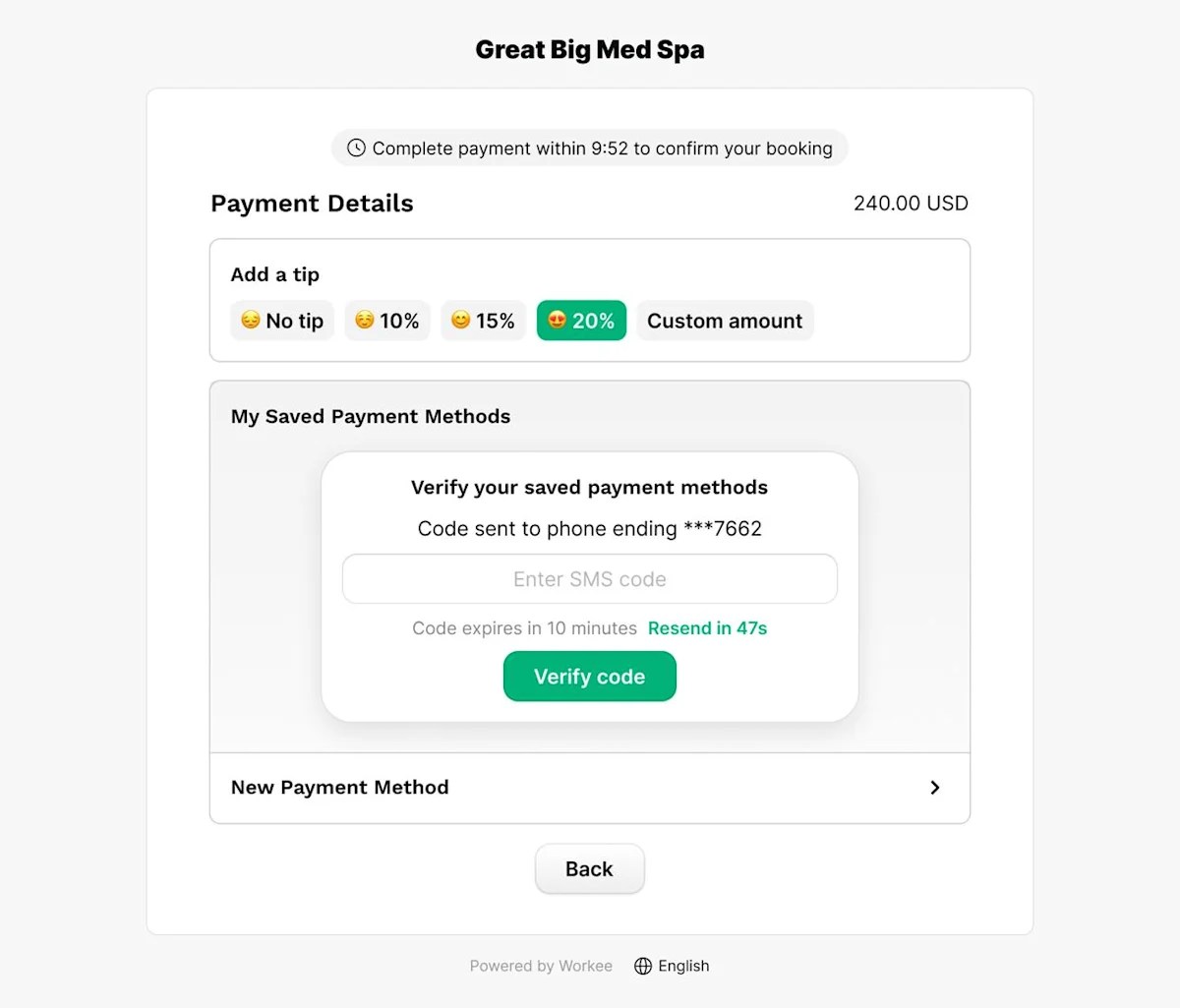
We’ve significantly upgraded Workee Payments to give clients a smoother booking experience and help you manage every transaction more easily.
Book Now, Pay Later
Clients can now confirm an appointment without paying the full service price upfront.
With Book Now, Pay Later, Workee securely saves the client’s authorized payment method during booking. After the appointment, you can use that card to:
Collect the remaining balance
Check out the client directly through Workee
Apply the configured no-show fee when appropriate
Send a payment link if the client prefers to complete the payment themselves
This gives clients more flexibility while helping you protect your time and reduce unpaid appointments.
Tips During Booking and Checkout
Clients can now leave a tip when booking or checking out.
A 15% tip is selected by default, but clients can choose another percentage, enter a custom amount, or select No tipbefore confirming.
Tips are clearly displayed alongside the service price, deposits, and remaining balance.
Faster Checkout for Returning Clients
Returning clients no longer need to enter their card information every time they book.
When a saved payment method is available, Workee sends a security code to the client by SMS. The client enters the code to verify the saved card and authorize the new payment.
The result is a faster checkout experience without compromising security.
Manage Payments From the Appointment Page
The updated Payment card gives you a complete view of each appointment’s financial activity.
Depending on the appointment and payment status, you can:
Charge the client’s saved payment method
Send or copy a payment link
Apply a no-show fee
Refund a payment
Download a receipt
Review deposits, tips, refunds, and other charges
For partially paid appointments, Workee clearly displays the service price, tip, deposit already collected, and remaining balance.
A Clearer Finances Page
We’ve also upgraded the Finances page to support the new payment experience.
Open any transaction to review its complete activity, including:
Original charges
Deposits and remaining balances
Tips paid
Refunds issued
Payment dates, amounts, and statuses
Everything you need to understand a transaction is now available in one place.
Why This Matters
Getting paid should be part of the appointment—not another administrative task waiting for you afterward.
Instead of:
Manually requesting payments after visits
Asking returning clients to enter the same card again
Tracking deposits, tips, and refunds separately
Losing revenue when clients do not show up
You now have a payment system that:
Gives clients more flexibility
Makes checkout faster
Keeps payment methods securely available
Helps protect your business from no-shows
Keeps every transaction organized
📝 New: Lead Forms
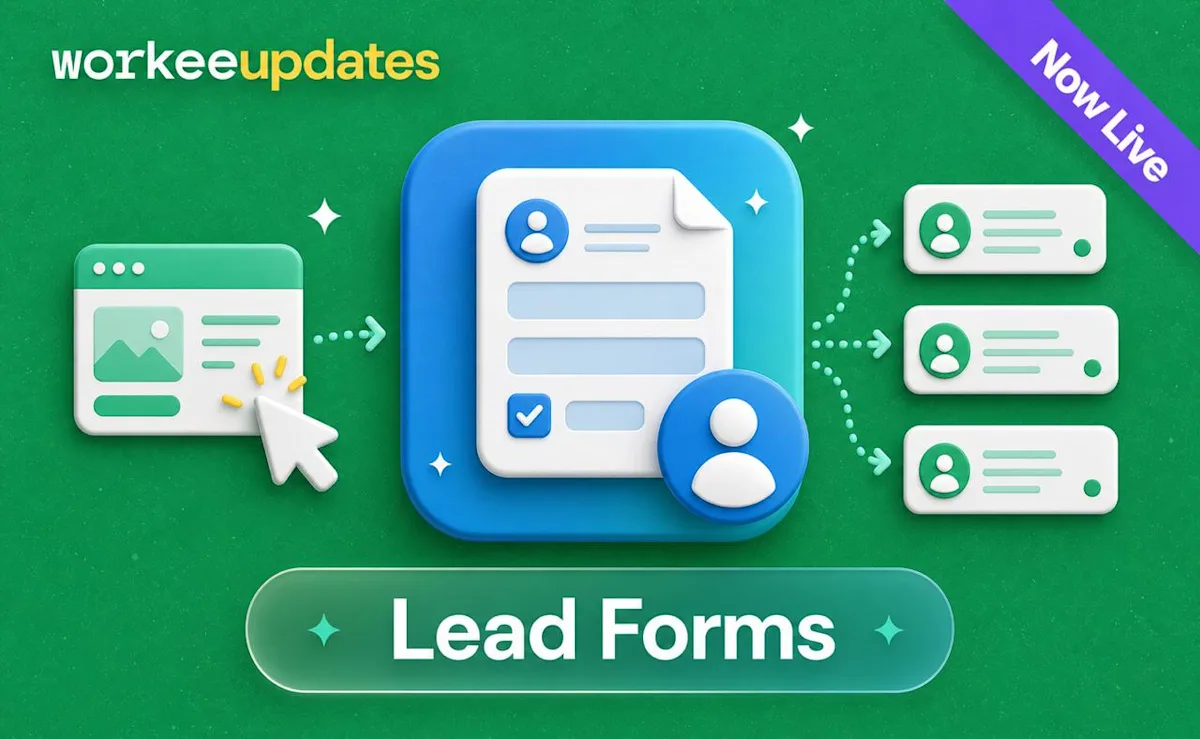
Not every website visitor is ready to book immediately. Some people have questions, need a consultation, or want to learn more about a particular service.
With Lead Forms, you can capture those potential clients before they leave.
Use Lead Forms to:
Collect contact information and service interests
Capture consultation and general inquiries
Share a direct form link online
Add a lead form to your website
Keep new opportunities organized inside Workee
Follow up before an interested visitor goes elsewhere
Every completed form creates a lead your team can review and follow up with.
Why Lead Forms Matter
Previously, potential clients could visit your website without finding the right next step. If they were not ready to book, you had no simple way to capture their interest.
Lead Forms give them an easier option: ask a question, request more information, or show interest in a service.
This helps you turn more website traffic into real conversations—and more conversations into appointments.
📣New: Campaigns With AI Autogeneration
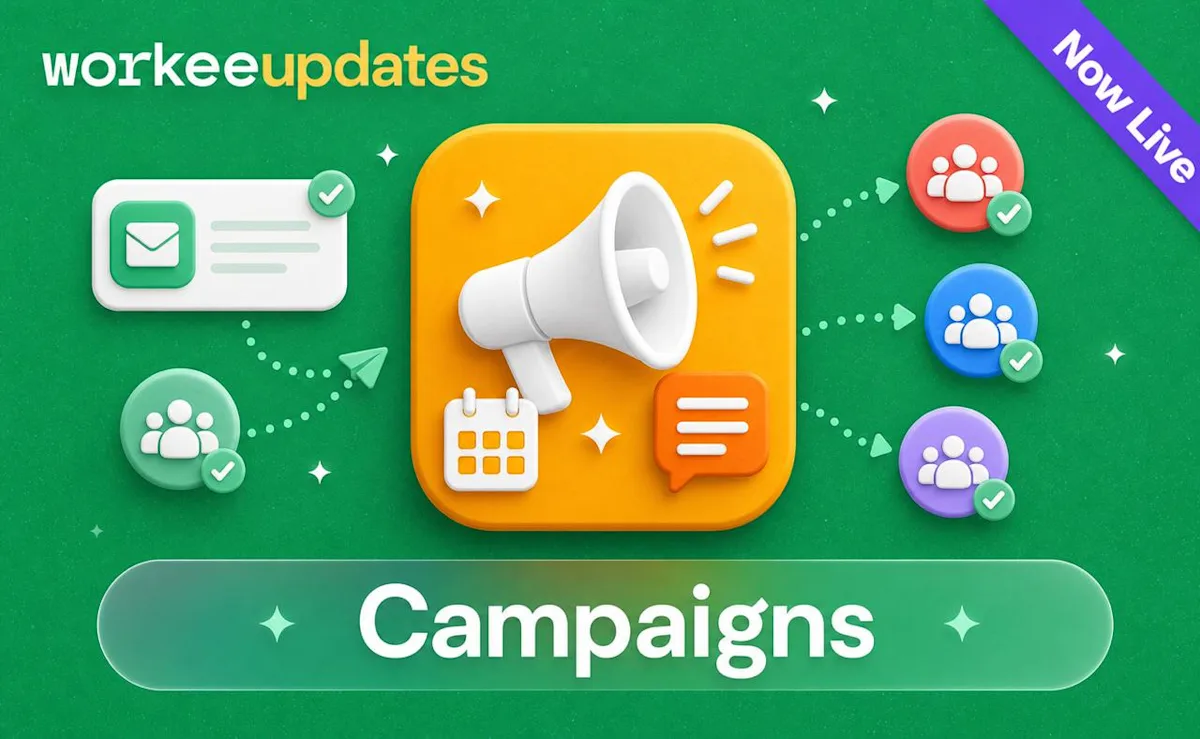
Campaigns give you a simpler way to reach the right clients with relevant offers and updates—without writing every message from scratch.
Tell Workee what you want to promote, and AI can automatically generate:
A campaign headline
SMS and email copy
A clear call to action
Suggested audience targeting
Alternative message versions
Review and edit everything before sending. You always control the final message, audience, and launch time.
Use Campaigns to:
Promote special offers
Announce new services
Share seasonal updates
Reconnect with previous clients
Bring inactive clients back
Reach specific client segments
Schedule communication in advance
Campaign Limits
Your Workee plan includes:
[X] campaigns per month
Up to
[X] recipients per campaign
[X] AI-generated campaign drafts
[X] SMS or email messages
You can view your current usage and remaining allowance from the Marketing page.
Need More Campaigns?
If you reach your included limit, you can upgrade your Workee plan or purchase additional campaign capacity. Upgrade options let you reach more clients, generate more content with AI, and send campaigns more frequently.
Contact your Workee manager to review the best option for your business.
🚀 Performance and Reliability Improvements
Alongside these new features, we’ve made additional improvements across Workee.
You’ll notice:
Faster and smoother payment experiences
Clearer appointment and transaction statuses
More reliable client communication
Improved performance across key pages
Better support for growing client and lead lists
What This Means for You
This update brings more of your client journey into one connected platform.
You can now:
Capture interest with Lead Forms
Convert leads into booked clients
Securely save payment methods
Check out clients after their appointments
Communicate through targeted Campaigns
Track payment and client activity in Workee
From the first inquiry to the final payment—and the next promotion—Workee helps you manage everything in one place.
Ready to Get Started?
Payments, Lead Forms, and Campaigns are now available in your Workee dashboard.
Log in to explore the new features and start using them with your clients.
If you need help setting up payments, creating a lead form, or launching your first campaign, contact your Workee manager.



Keep updated about latest industry insights and subscribe to our newsletter
Follow Us


