
A full feed every week, from the photos you already take
Posting takes hours, AI tools make posts that do not look like you, and the feed goes quiet. Jenny posts in your style, and you only approve.
Book a Demo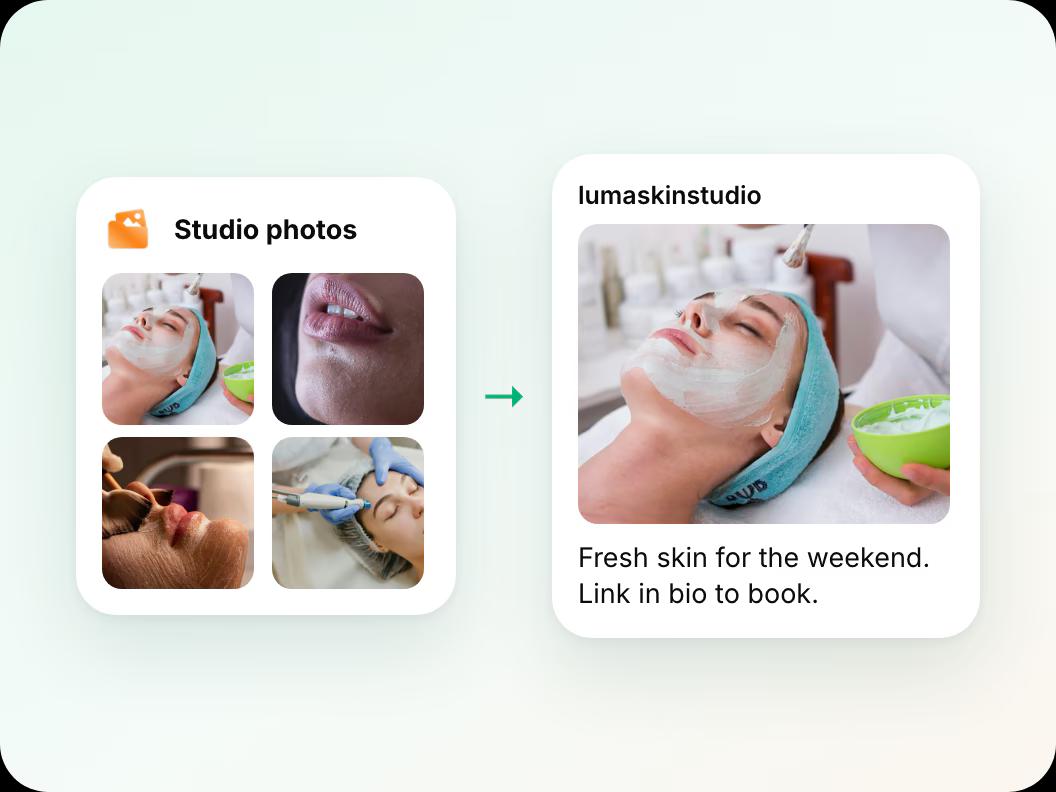
In short: Jenny posts to your clinic’s Instagram and Facebook from the photos your team drops in a Google Drive folder. She writes the caption, hashtags and alt text in your style, makes a feed post, a Story and a Reel from each photo, and fills gaps with graphics such as review cards, tips and holiday hours. You approve each post by text or pick Autopilot. Posts go on a month calendar, and each one shows its likes, reach, clicks and bookings. Launching in November 2026.
Updated
How it works in three steps
 Step 1
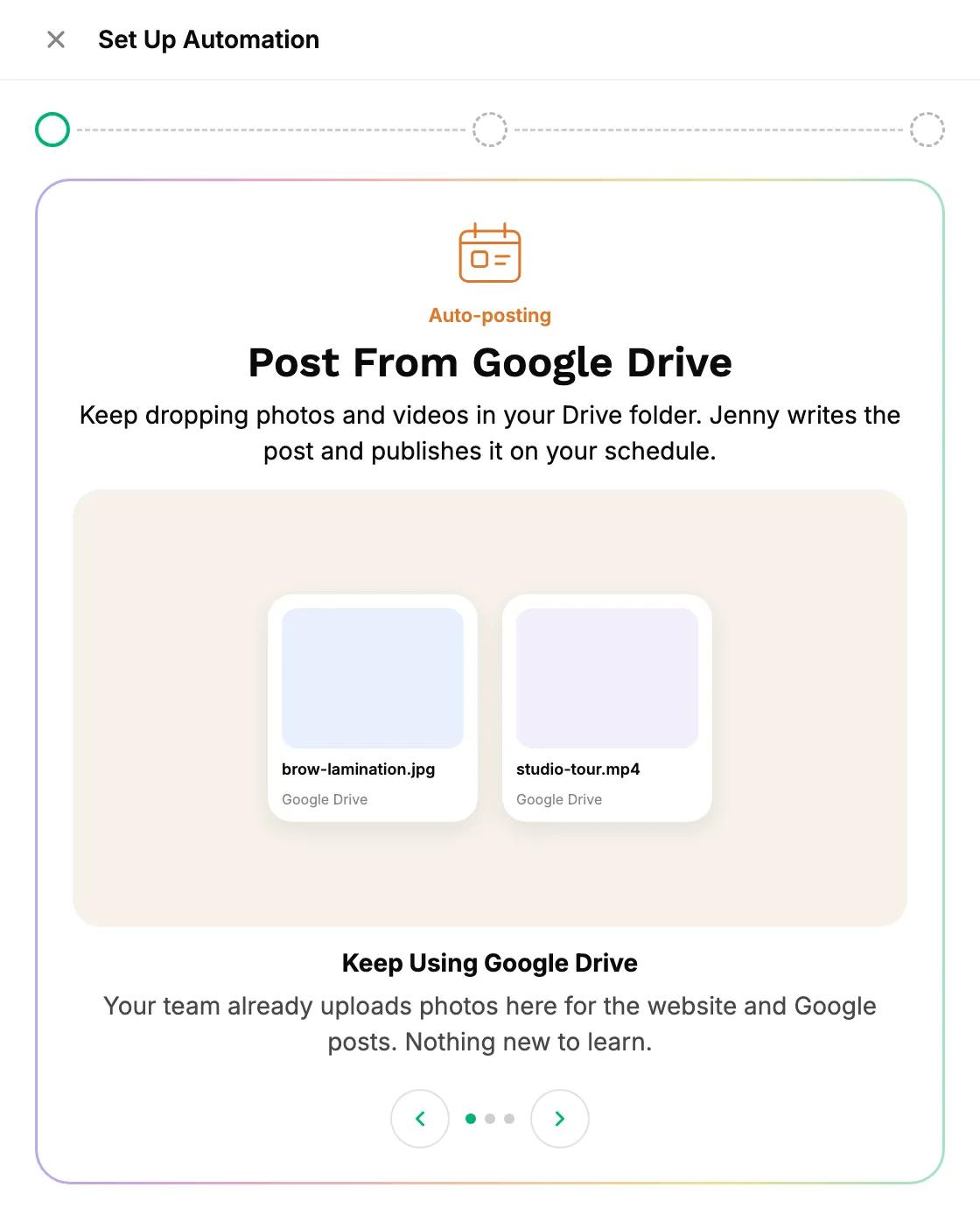
Drop photos in Google Drive
Your team keeps adding photos to one Drive folder. Nothing new to learn. Workee only reads the folder and never changes your files.
 Step 2
Jenny makes the full set
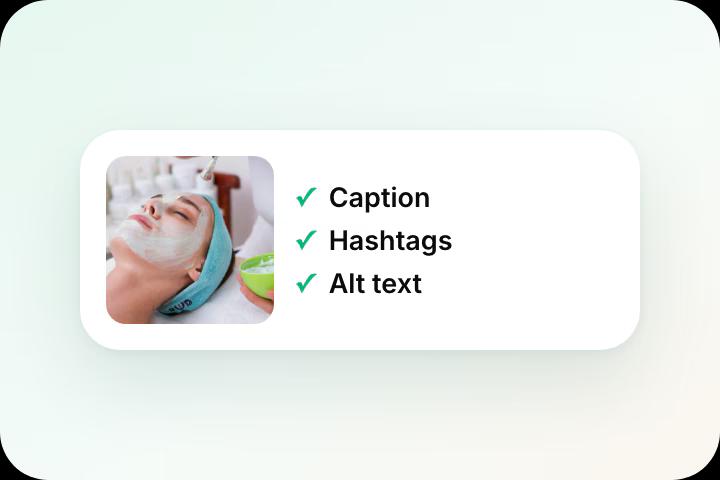
She writes the caption, hashtags and alt text in your voice, and turns each photo into a feed post, a Story and a Reel. When photos run low, she fills gaps with graphics.
 Step 3
You approve by text
Jenny sends you the post. Approve it from an SMS, or pick Autopilot and let her post on your schedule.
Posts that look like they belong
Learned from your last 30 posts
When Instagram connects, Jenny studies your colors, layouts, caption voice, language and best performers. Then she shows you 3 complete sample posts before anything goes live.
 Prices and services only from your service list
- No surprises on day one
See what is going out, and what it earned
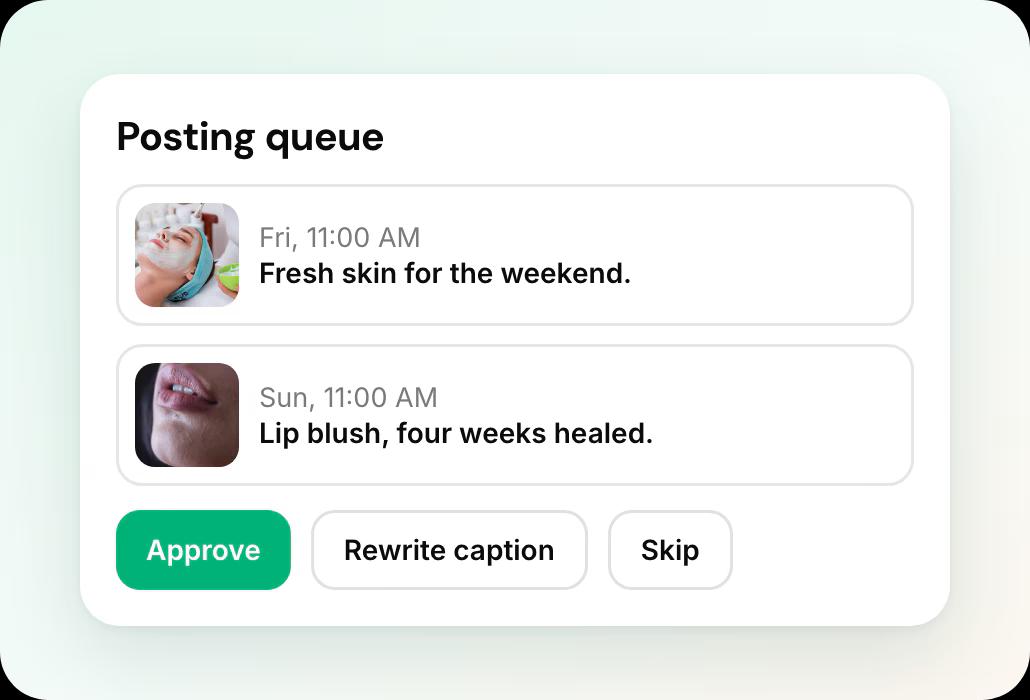
A month calendar with drag and drop, an approval queue, and results for each post: likes, reach, clicks and bookings.
- Swap the photo or rewrite the caption before it posts
- Posts to your Facebook Page from the same set
Always something to post
Jenny graphics
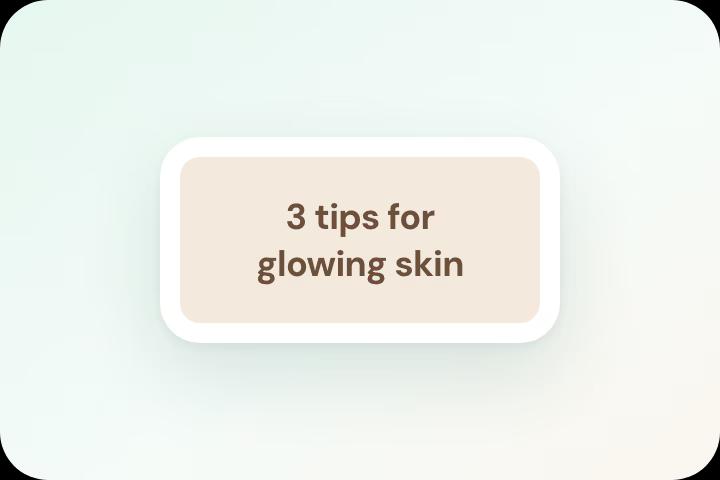
Review cards, tips, FAQ carousels, promos and holiday hours, in your look, when photos run low. Text and design only: never before-and-afters, result photos or pictures of people.
Generate with Jenny
Type an idea, such as “Black Friday, 15% off lash lifts”, and Jenny makes every format for every channel. A campaign in one minute.
A full set per post
Every post becomes a feed post, a Story and a Reel. Three ways to be seen from one photo.
Jenny vs GoHighLevel and doing it by hand
GoHighLevel’s Social Planner is a capable scheduler: it publishes what you give it, with an approval flow and a paid AI writing add-on. Jenny decides what to post, makes it, and answers the people who respond.
| What it takes | By hand | GoHighLevel Social Planner | Jenny for Instagram |
|---|---|---|---|
| Getting content in | Someone posts from their phone | Upload files, or a CSV or spreadsheet with media links1 | Team drops photos in Google Drive |
| Captions and hashtags | Written each time | Written by you, or drafted with Content AI, a paid add-on23 | Written by Jenny in your voice |
| Story and Reel versions | Made separately | Supported, made and scheduled as separate posts4 | Made from every post automatically |
| Approval | None | Approval flow in the app, with an approver you choose5 | Approve by text, or Autopilot |
| DMs and comments | Whoever checks the phone | Automations you build in Workflows or Conversation AI6 | Answered, qualified and booked by Jenny |
| Setup | None | Templates, triggers and workflows to set up | 3 questions, then a 3-post preview |
GoHighLevel also posts to more networks than Instagram and Facebook, and suits agencies already on HighLevel.
Jenny on Instagram and related pages
Jenny for Instagram
DMs, comments and posting in one place. You only approve.
Instagram DMs to bookings
Every DM answered, qualified and sent your booking link.
Instagram comment replies
Turn “how much?” comments into DMs and bookings.
Workee for med spas
Booking, deposits, reminders and Jenny for aesthetic clinics.
A clinic website built for bookings
Where your Instagram followers go to book.
Compare Workee
Workee next to Vagaro, Zenoti, Boulevard and more.
Instagram posting with Jenny: common questions
- Do I have to approve every post?
 You choose. Approve each post from a text message, or pick Autopilot. Graphics made by Jenny always need your approval.
- Will Jenny make before and after photos?No. Jenny graphics are text and design only. She never makes before-and-afters, result photos, or pictures of people or treatments.
- Where do prices in posts come from?Only from your service list in Workee, so a promo never shows a price you do not charge.
- Can Jenny add link stickers or music?No. Instagram does not allow link stickers on auto-posted Stories or Instagram music on Reels posted this way.
- Which channels can she post to?Instagram and your Facebook Page at launch, from the same set and one approval.

See Jenny on your own Instagram.
Book a short demo and we set it up with you.
Sources
- HighLevel Help: Social Planner bulk CSV upload. Accessed 28 October 2026.
- HighLevel Help: Content AI in Social Planner. Accessed 28 October 2026.
- HighLevel changelog: Introducing Content AI (paid feature). Accessed 28 October 2026.
- HighLevel Help: Instagram in Social Planner (Stories, Reels). Accessed 28 October 2026.
- HighLevel Help: post approval flow in Social Planner. Accessed 28 October 2026.
- HighLevel Help: workflow recipe, Instagram comment automation. Accessed 28 October 2026.
