
Sell memberships and retail products online
Memberships keep clients on a schedule, and retail lets them take your skincare home. In Workee both sit next to your treatments and are paid through the same checkout.
Get a Demo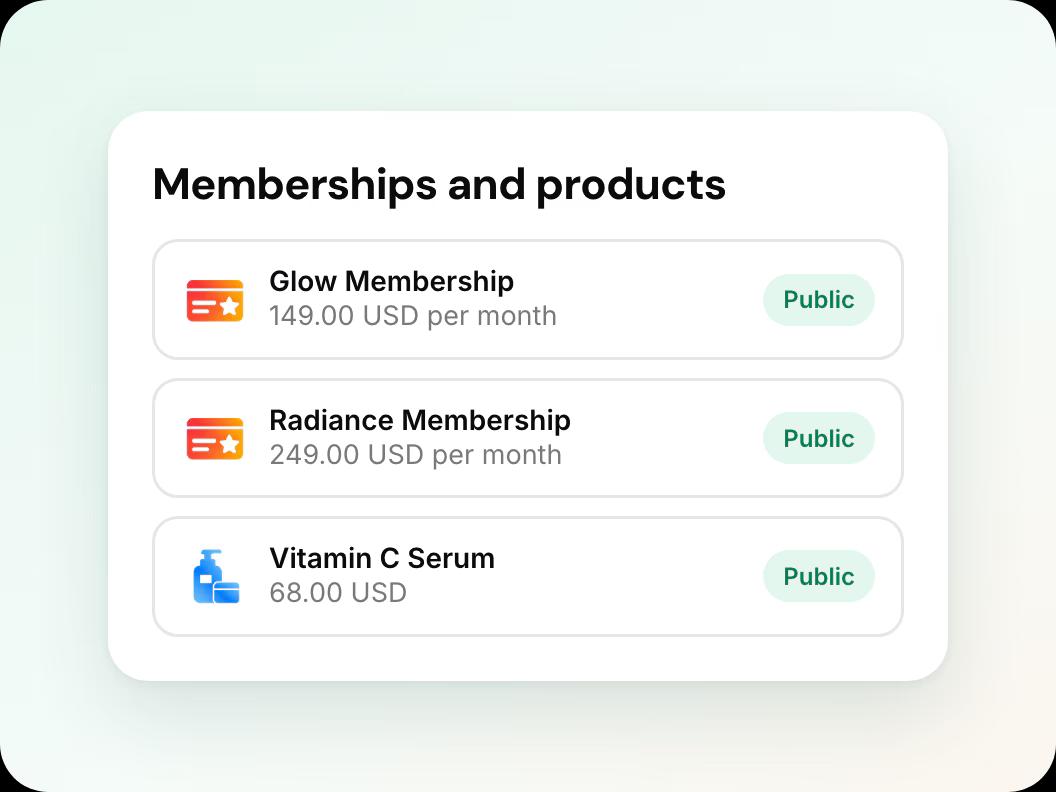
In short: To sell memberships and retail products with Workee, add them alongside your services with a price, description and photo, put them in a booking widget on your website, and connect Stripe or PayPal so clients can pay online. Memberships and products run inside Workee and do not sync with Vagaro or any other booking system.
Updated
Before you start

A Pro or Business plan
Payments are on Workee Pro and Workee Business, with no Workee transaction fees; Stripe and PayPal charge their usual processing fees. The free Starter plan does not include payments.

What you will sell
List the memberships (what is included, the price) and the products (name, price, a photo) before you start.

Using another booking system?
Memberships and products live in Workee only. They are not passed to Vagaro or any other system you run alongside.
Step by step in Workee
In this guide
 Step 1
Add your memberships
Create each membership with its name, what it includes and its price, for example a monthly facial or an IV therapy plan.
 Step 2
Add your retail products
Add each product with a price, a short description and a photo. Workee optimises product photos when you upload them, so they load quickly.
 Step 3
Bundle treatments into packages
For a course of treatments, create a package with one price. Clients can book several sessions at once.
 Step 4
Put them on your website
Create a widget with the memberships, packages or products you want on a page and paste its embed code into your site.
- Step 5
Run an offer
Add a discount to a product, package or new treatment to launch it. The client sees the original price crossed out.
Every sale lands on your Finance page with your other payments, and you can refund in full or in part.
What it looks like in Workee
On your website
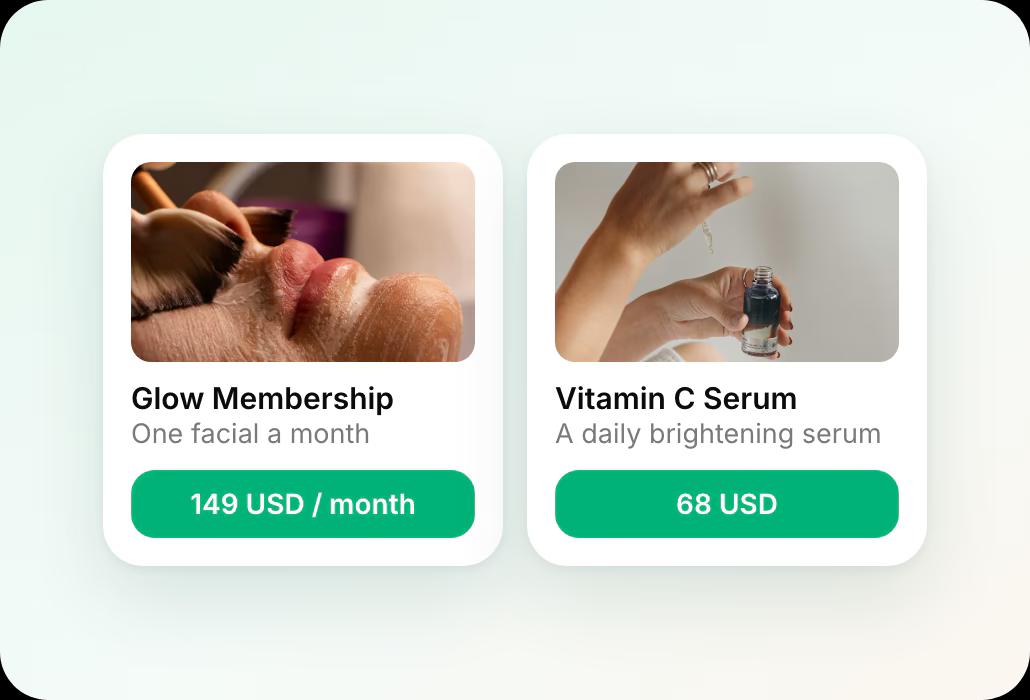
Clients see each membership and product with its price, on a widget you add to any page.
 Memberships, packages and products
- Product photos optimised on upload
Related guides and pages
Add a booking widget to your website
The same embed code works for products and memberships.
Payment links, tips and refunds
Collect what is owed and refund when plans change.
Sell memberships and products online
Treatments, packages, memberships and retail in one place.
Finance and reporting
Payments, tips, refunds and invoices in one list.
Workee for med spas
Booking, deposits and follow-up built for med spas.
Workee vs each platform
Side-by-side comparisons with every price cited.
Common questions
- Can I sell memberships if I use Vagaro for bookings?
 You can sell them in Workee, but they stay in Workee: memberships and products do not sync with Vagaro or any other booking system. If memberships are central to your clinic, run them in one system.
- Can clients buy skincare products online?Yes. Add the products with a price and photo, put them in a widget on your website, and clients pay through the same checkout as treatments.
- What is the difference between a package and a membership?A package is a set number of sessions for one price, booked like any appointment. A membership is an ongoing plan you define, such as a monthly treatment.
- Which plans can sell online?Payments are on Workee Pro and Workee Business, with no Workee transaction fees; Stripe and PayPal charge their usual processing fees. The free Starter plan does not include payments.

