
Workee and PayPal for clients who prefer it
Some clients would rather not type a card number into a booking page. Connect PayPal and they can pay for a treatment or deposit the way they already pay online.
Get a Demo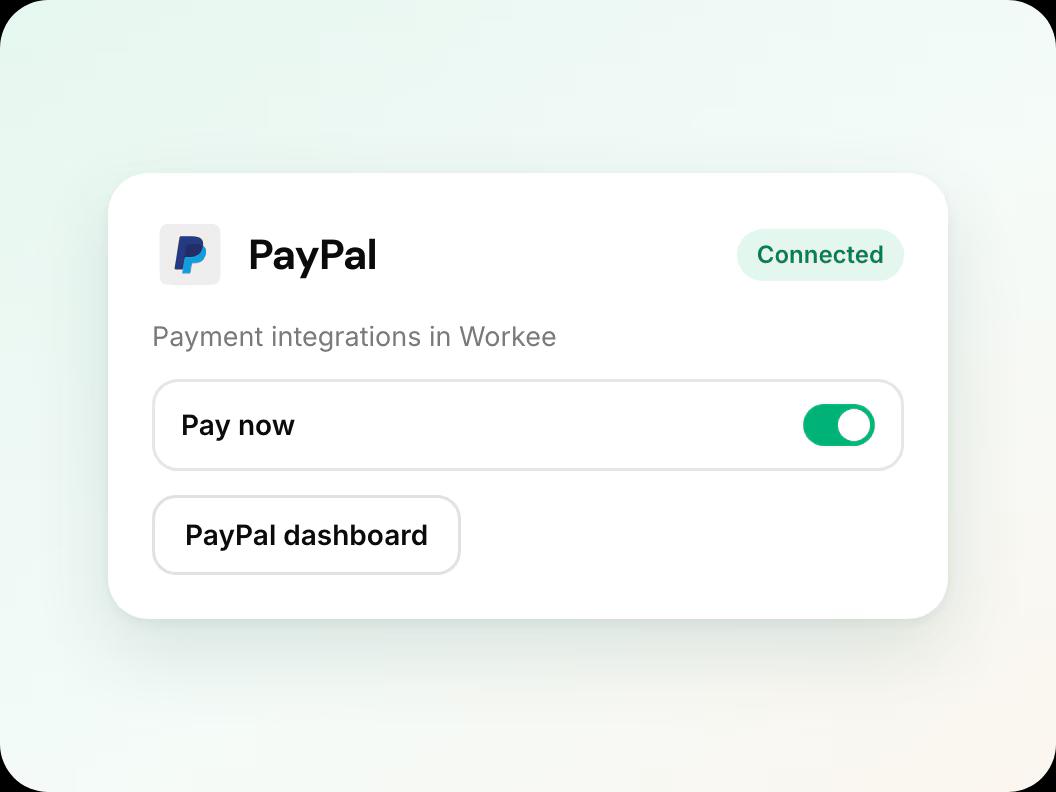
In short: Workee connects to your PayPal business account so clients can pay with PayPal when they book on your website. PayPal payments are listed on your Finance page with the rest. To save cards and charge no-show fees later, connect Stripe as well. PayPal payments are on Workee Pro and Business with no Workee transaction fees; PayPal charges its usual processing fees.
Updated
What you can do with PayPal

PayPal at checkout
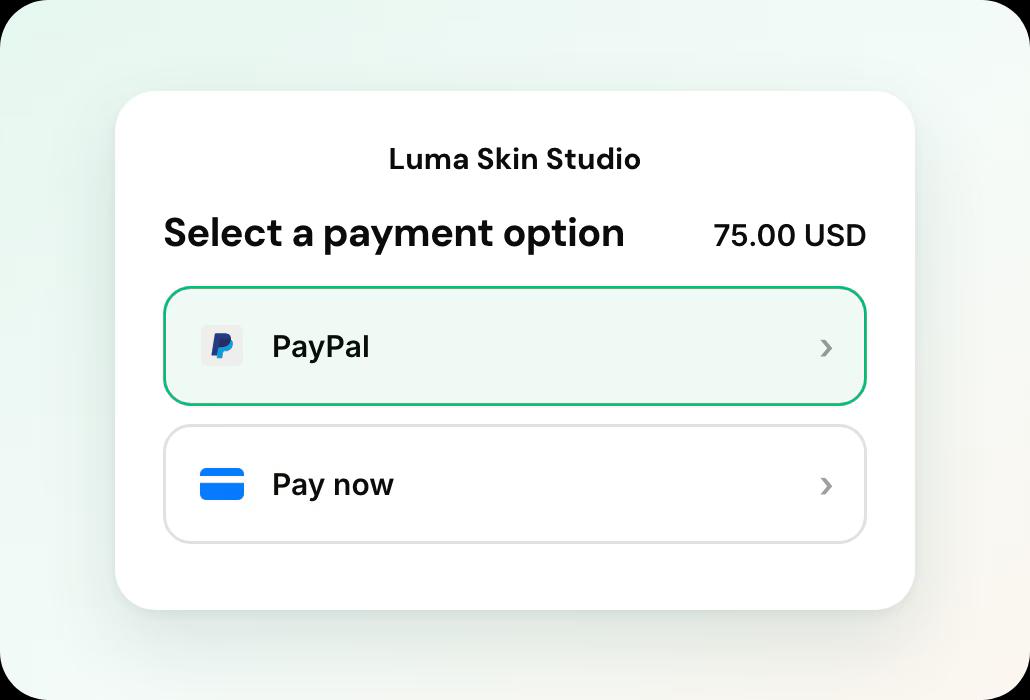
Clients choose PayPal when they pay for a booking, package or product on your website.

One Finance page
PayPal payments sit on your Finance page with Stripe payments, tips and refunds.

Works with Stripe
Offer both. Cards on file and no-show fees run through Stripe, so connect it too if you need them.
PayPal at checkout
Clients choose PayPal when they pay for a booking, package or product on your website.
Connect PayPal in four steps
In this guide
- Step 1
Open payment settings in Workee
In Workee, open your payment settings and choose Connect PayPal.
- Step 2
Sign in to PayPal
You are sent to PayPal to sign in and approve the connection. PayPal checks the account before payments are switched on.
 Step 3
Check the confirmation email
Workee emails you when PayPal is connected, and again if it is ever disconnected.
 Step 4
Book a test payment
Book a test appointment on your website, pay with PayPal, and check the payment on your Finance page.
Related guides and pages
Workee and Stripe
Card payments, deposits, cards on file and no-show fees.
How to take deposits
Set a deposit per service, step by step.
Payment links, tips and refunds
Collect balances and refund from the appointment.
Deposits, no-show fees and payments
Everything Workee does with money, on one page.
Finance and reporting
Payments, tips, refunds and invoices in one list.
Integrations
Stripe, PayPal, Zoom, SMS, WhatsApp and your website builder.
Workee and PayPal: common questions
- Does Workee charge a fee on PayPal payments?
 Payments are on Workee Pro and Workee Business, with no Workee transaction fees; Stripe and PayPal charge their usual processing fees. The free Starter plan does not include payments.
- Do I need a PayPal business account?You connect the PayPal account your clinic gets paid into, and PayPal checks it during the connection.
- Can I charge a no-show fee through PayPal?Saving a card and charging it later run through Stripe. Connect Stripe alongside PayPal if you charge no-show fees.

